


.svg)






.svg)

.svg)
How do I add a listing in Clozze?
Adding listings in Clozze helps real estate agents, brokers, and transaction coordinators organize transaction details, tasks, and timelines from the moment a property goes under contract. Listings can be added manually, uploaded from documents, or imported from connected tools to keep all transaction work centralized.
Step-by-step guide
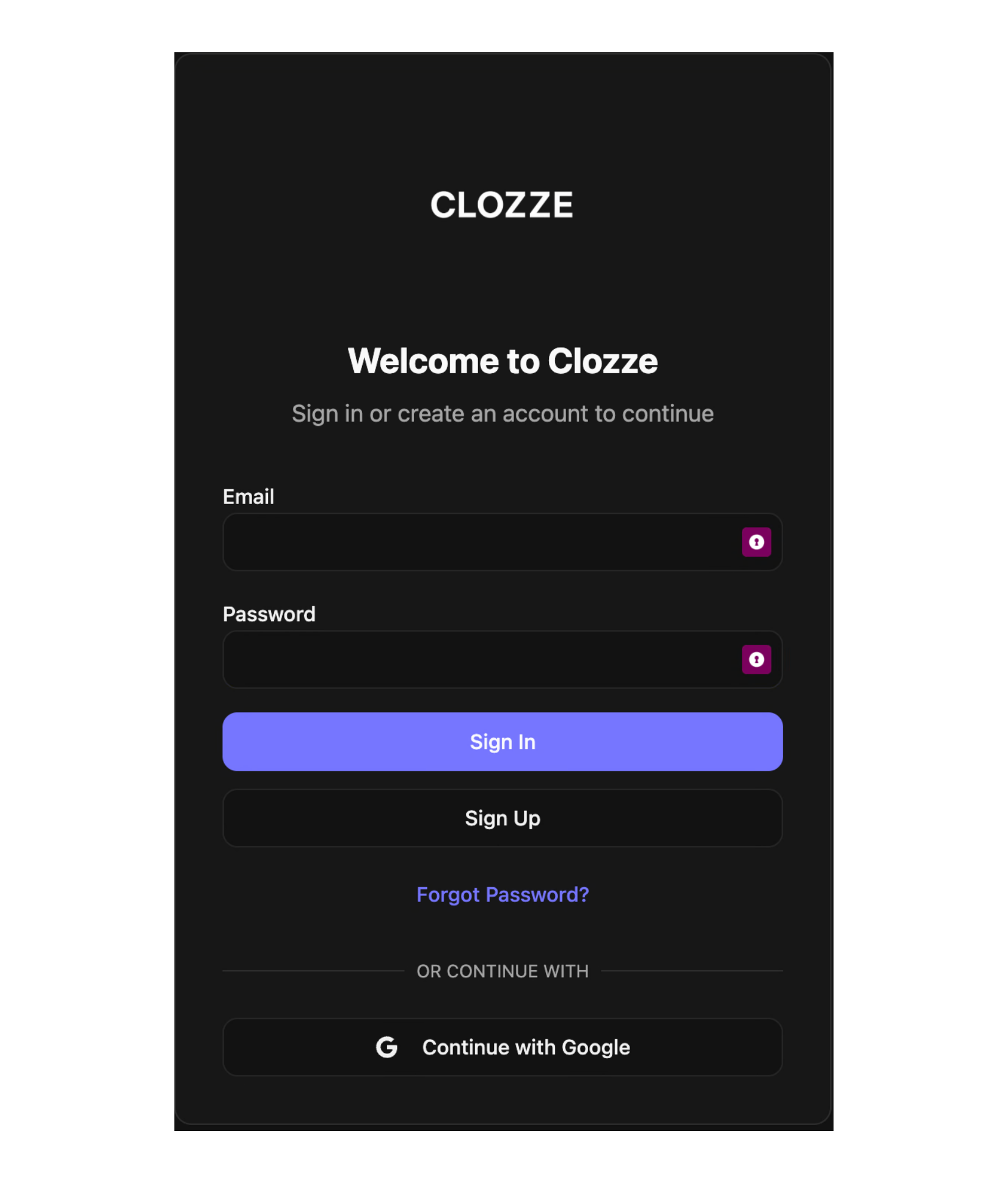
Step 1. Sign in to Clozze
Log in to your Clozze account and open your main dashboard.
Step 2. Start adding a listing
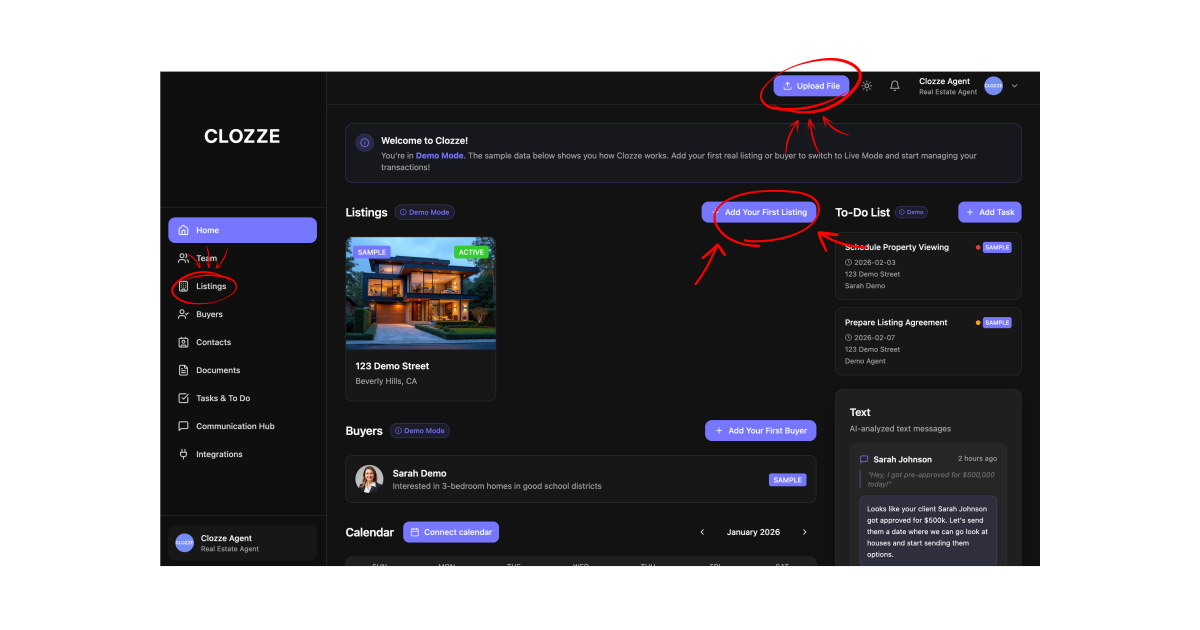
From your dashboard, you can add a listing from two locations:
- From the home screen using Upload File or Add Listing
- From the Listings page in the left-side navigation
Both options create a new listing profile connected to your workspace.
Step 3. Choose how to add your listing
Clozze provides multiple ways to add listing information depending on how your transaction is set up.
You can:
- Upload a document. Clozze uses AI to read supported listing documents and automatically extract property and transaction details.
- Enter listing information manually.
- Import listing data from connected tools such as Dotloop, Follow Up Boss, or DocuSign.
These options help reduce manual entry while keeping listing information accurate and up to date.
.svg)
Step 4. Customize the listing profile
Once the listing is added, you can customize it to match your transaction workflow.
From the listing profile, you can:
- Add and assign tasks
- Set and adjust key dates and timelines
- Edit listing details and transaction information
- Manage scopes and responsibilities tied to the listing
This allows each listing to stay aligned with the broader transaction process.
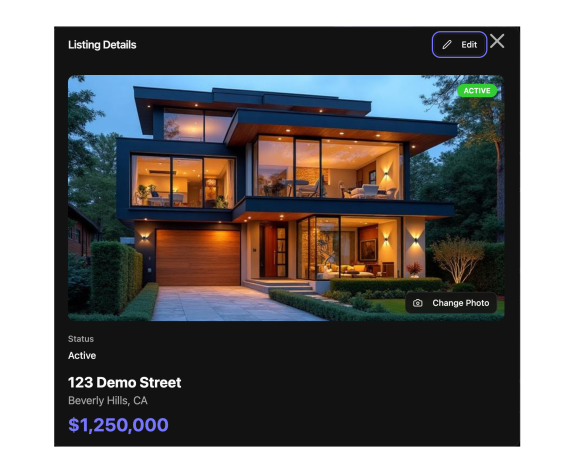
Listings in Clozze serve as the foundation for managing real estate transactions and operational work. Whether added manually, extracted through AI-powered document uploads, or imported from existing tools, listing profiles help teams track progress, coordinate tasks, and maintain visibility from contract to close. Clozze supports real estate professionals looking for modern transaction management, automation, and compatibility with existing CRMs and transaction software.

Video Tutorial

